Troubleshooting
The most common problems and their fixes. If your issue isn’t here, check the FAQ or contact support.
Can’t find or connect to your rig
Section titled “Can’t find or connect to your rig”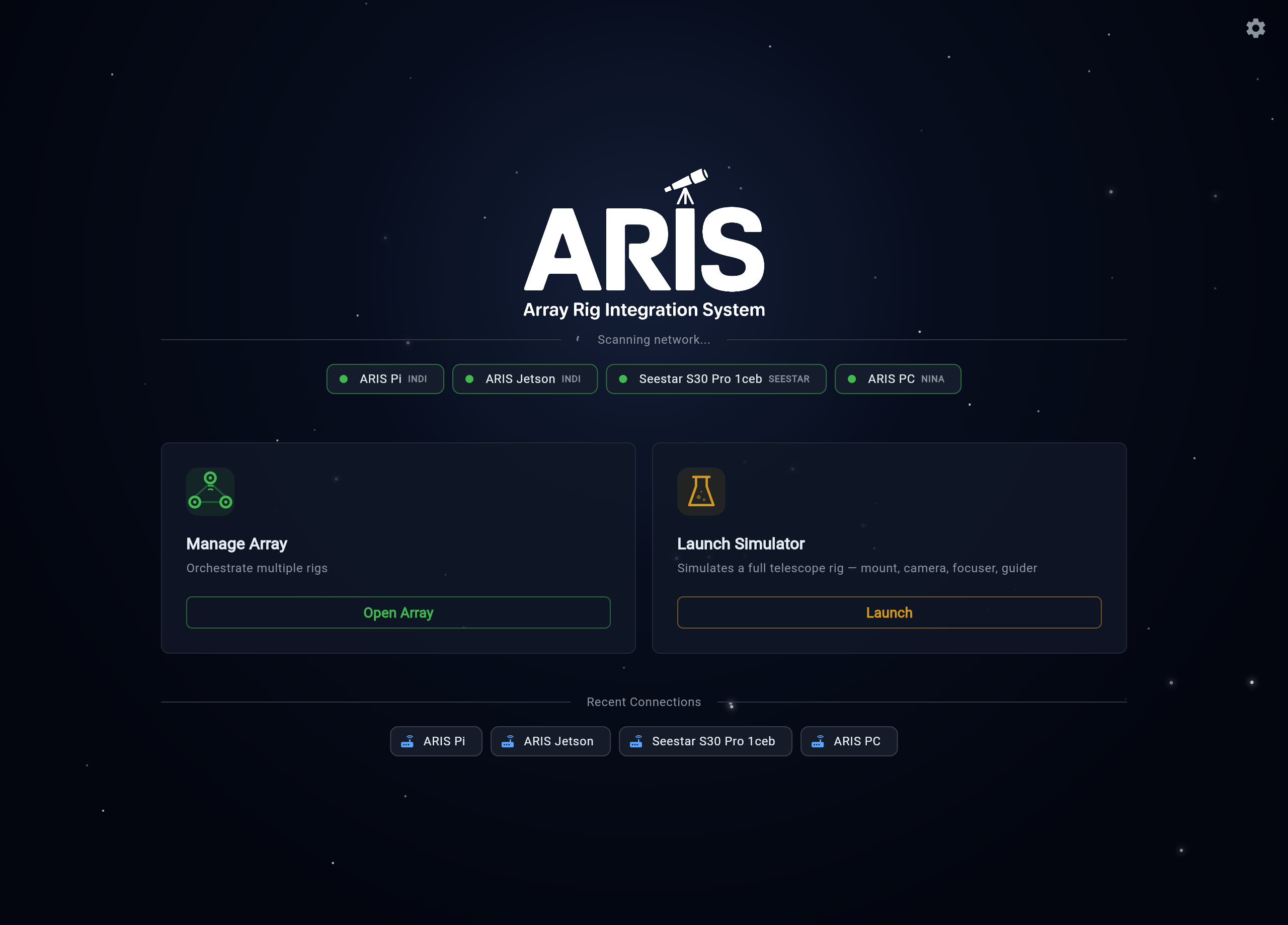
The rig doesn’t appear in Add Rig
- Same network? Your phone/tablet and the rig must be on the same network for local discovery. Guest Wi-Fi networks and VPNs often isolate devices from each other — join the main network and turn off any VPN.
- Give the scan a moment. Discovery uses mDNS with a subnet sweep as backup; the sweep can take a few extra seconds on large networks.
- Go direct. Open
http://<rig-name>.local:8080in a browser (for examplehttp://aris-rig.local:8080) — every rig serves the app itself. If that loads, the rig is fine and the issue is discovery on your network. - IP fallback. If
.localnames don’t resolve on your network, find the rig’s IP address (from your router’s device list) and enter it manually in Add Rig with port 8080. - Is the rig on? Confirm the rig computer has power and its network light is active. It can take a minute after power-on for the backend to come up.
One rig, one entry
Recent Connections shows one entry per physical rig, however many ways you’ve reached it — the .local name, a raw IP, a remote route all collect inside that rig’s single entry, and connecting uses the best route available. If you remember the same rig appearing under three different addresses, that’s the old behavior; now you pick the rig, not an address.
Understanding connection states
The connection banner shows live health:
- Healthy — connected and communicating normally.
- Reconnecting — the connection dropped and ARIS is restoring it automatically (it retries several times with increasing delays). Brief Wi-Fi hiccups resolve themselves here.
- Degraded — repeated reconnects have failed. Check that the rig is powered and reachable (try its direct URL), then reconnect manually.
App looks stale or broken after an update
Section titled “App looks stale or broken after an update”In the browser: the web app caches itself for offline use, so right after we ship a fix your browser may keep showing the old version. Do a hard refresh — Cmd+Shift+R (Mac) or Ctrl+Shift+R (Windows/Linux), or hold the reload button and choose “Empty Cache and Hard Reload”. That clears the cached app and loads the new one.
In the iOS/Android apps: updates download in the background. When you see the “Restart to apply” banner, close and fully reopen the app. The About screen shows your current version and patch number — useful when reporting an issue.
“App is too old for your rig” (or the reverse): the app and rig check versions against each other and the message says exactly which side to update — follow it.
Remote access problems (beta)
Section titled “Remote access problems (beta)”Can’t reach a rig away from home? Check in order:
- Signed in — with the same account? Remote access is tied to the account that claimed the rig. Sign in with the same Google/Apple account every time.
- Is the rig online? Your fleet list shows live presence. If the rig shows offline, it has no internet at its site (or is powered off) — remote control needs the rig online; your home LAN connection never does.
- Re-pair if needed. If a rig has fallen out of your fleet, mint a fresh claim code on the rig and pair again — see Pair for Remote Access.
Guiding won’t start
Section titled “Guiding won’t start”- ARIS gives PHD2 up to 90 seconds to start, begin looping, and lock onto a guide star. If that window passes, you’ll get an honest failure rather than a silent hang — usually it means no usable star (clouds, cover closed, focus way off) or a guide camera problem.
- Open the notification bell: guiding alerts include one-tap actions, including Restart PHD2, which cleanly restarts the guiding process on the rig — the fastest fix for a wedged guider.
- Check the guide camera is connected and the guide exposure is reasonable (1-3 s); very short exposures find fewer stars.
Camera and capture issues
Section titled “Camera and capture issues”- Captures timing out or downloads stalling: lower the camera’s USB bandwidth setting, especially with multiple cameras sharing one hub, or move the guide camera to a different port.
- Camera vanished mid-session: reseat the USB cable — the rig detects unplug/replug automatically and recovers the device.
- Images black: check exposure and gain, and confirm a flat-panel cover isn’t closed (during sequences ARIS auto-opens it before light frames).
Getting help
Section titled “Getting help”- The Diagnostics screen (in Settings) shows the rig’s health in one place — include what it says when you report an issue.
- Contact support with what you did, what you expected, what happened, a screenshot if you have one, and roughly when it happened — the time lets us match it to the rig’s logs.