All-Sky Camera & Cloud Detection
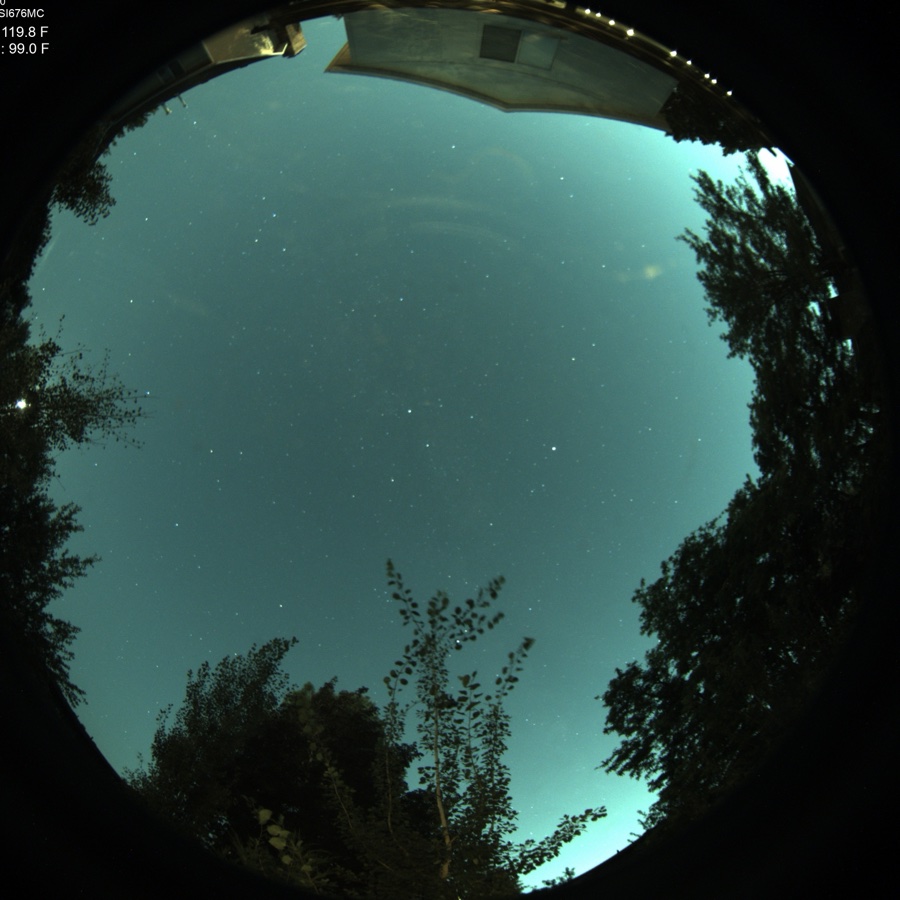
An all-sky camera answers the question a forecast can’t: what does the sky over the rig look like right now? With one connected, ARIS detects clouds live and paints them where they matter — on the Plan sky chart, over your actual targets — and certifies whether the sky is genuinely clear or quietly overcast.
Bringing a camera to ARIS
Section titled “Bringing a camera to ARIS”There are two paths, depending on where you are starting from.
You already run an all-sky camera
Section titled “You already run an all-sky camera”If you have an all-sky setup capturing frames tonight, ARIS plugs into it. Install the ARIS companion service on the machine that runs your camera — the rig’s own computer or a separate one — and it analyzes the frames your existing software is already producing and publishes sky intelligence to your rigs. Your current capture stack, keograms, and time-lapses keep working untouched.
You are starting fresh
Section titled “You are starting fresh”Any all-sky camera with a decent fisheye lens will do the job — a small astronomy camera and a wide lens in a weatherproof housing is the common recipe. Attach it to the rig’s own computer, or give it a dedicated Raspberry Pi.
Today the camera runs under one of the popular open-source all-sky capture packages with the ARIS companion alongside. Direct raw-camera support — where ARIS drives the camera itself, with nothing else to install — is rolling out.
What you get
Section titled “What you get”Clouds on your sky chart
Section titled “Clouds on your sky chart”Cloud detection is rendered on the Plan view in true altitude and azimuth: ARIS fits your camera’s actual lens projection, so a cloud bank in the western sky lands over the western targets on the chart. You see at a glance which targets are clouded out and which side of the sky is still open, instead of squinting at a fisheye image and doing the mapping in your head.
Absolute sky state
Section titled “Absolute sky state”Frame-to-frame comparison catches moving clouds but misses the failure mode that ruins nights: a uniform cloud sheet that parks over the site and stops changing. ARIS keeps a photometric clear-sky reference and certifies the current sky against it, producing an absolute verdict — clear or overcast — that catches even a featureless gray lid. The verdict appears on the AllSky tile, and the Assistant can quote it when you ask about the sky.
It knows what a cloud is not
Section titled “It knows what a cloud is not”- Trees and buildings around your horizon are masked out automatically — a pine tree never reads as a permanent cloud in the south.
- The Moon is handled explicitly, so a bright moonlit region doesn’t register as cloud.
- Aircraft and satellites are rejected as transients — a trail crossing the frame is not weather.
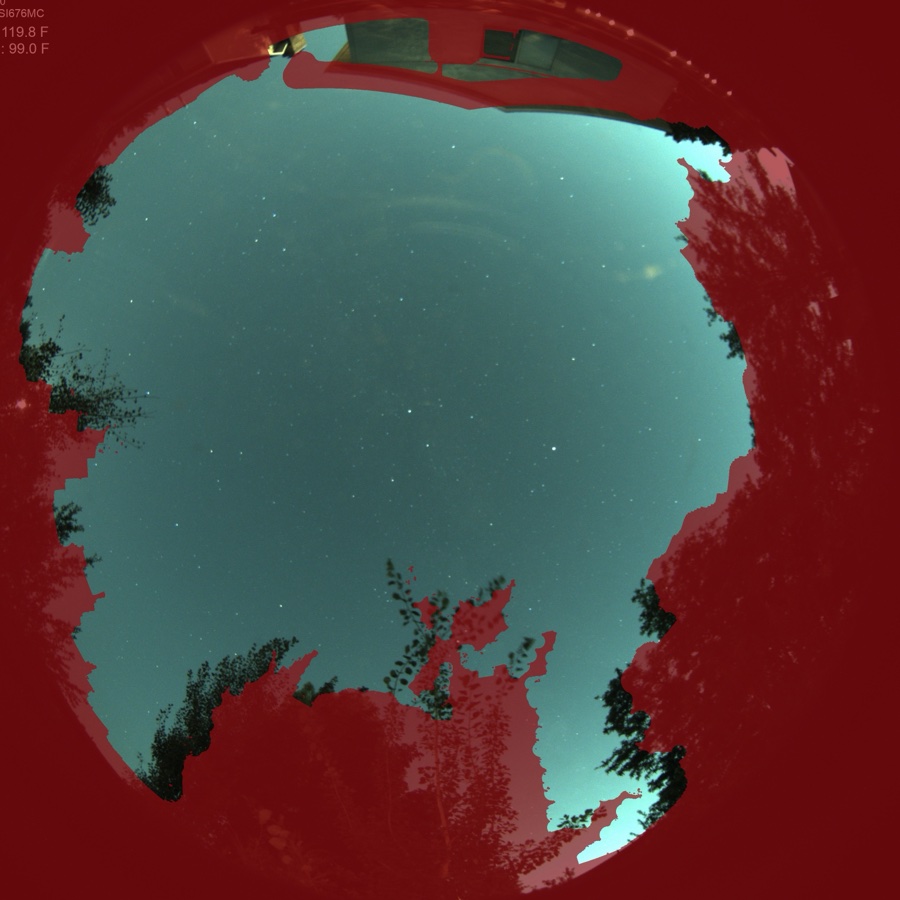
The mask above is a real one, learned automatically from this camera’s own frames. On this site the camera sees about 41% true sky — and that number is exactly what cloud detection, sky-state certification, and sky-quality readings are computed against. No hand-drawn horizon polygons.
Zero-configuration discovery
Section titled “Zero-configuration discovery”ARIS finds the camera’s companion by name on the network, falls back to its last-known address, and as a last resort sweeps the local subnet. You never assign a static IP, reserve a DHCP address, or touch your router — and the camera survives address changes without reconfiguration.
Where it appears
Section titled “Where it appears”- Plan screen — the cloud overlay renders as a layer on the sky chart, over your targets, in true alt/az.
- AllSky tile — the live all-sky view itself. When the absolute sky-state verdict is overcast, the tile carries a veil and a chip saying so, so a gray lid is called out instead of quietly looking like a dark sky.
- Assistant — ask the Assistant about the sky and it quotes the live verdict alongside the forecast.
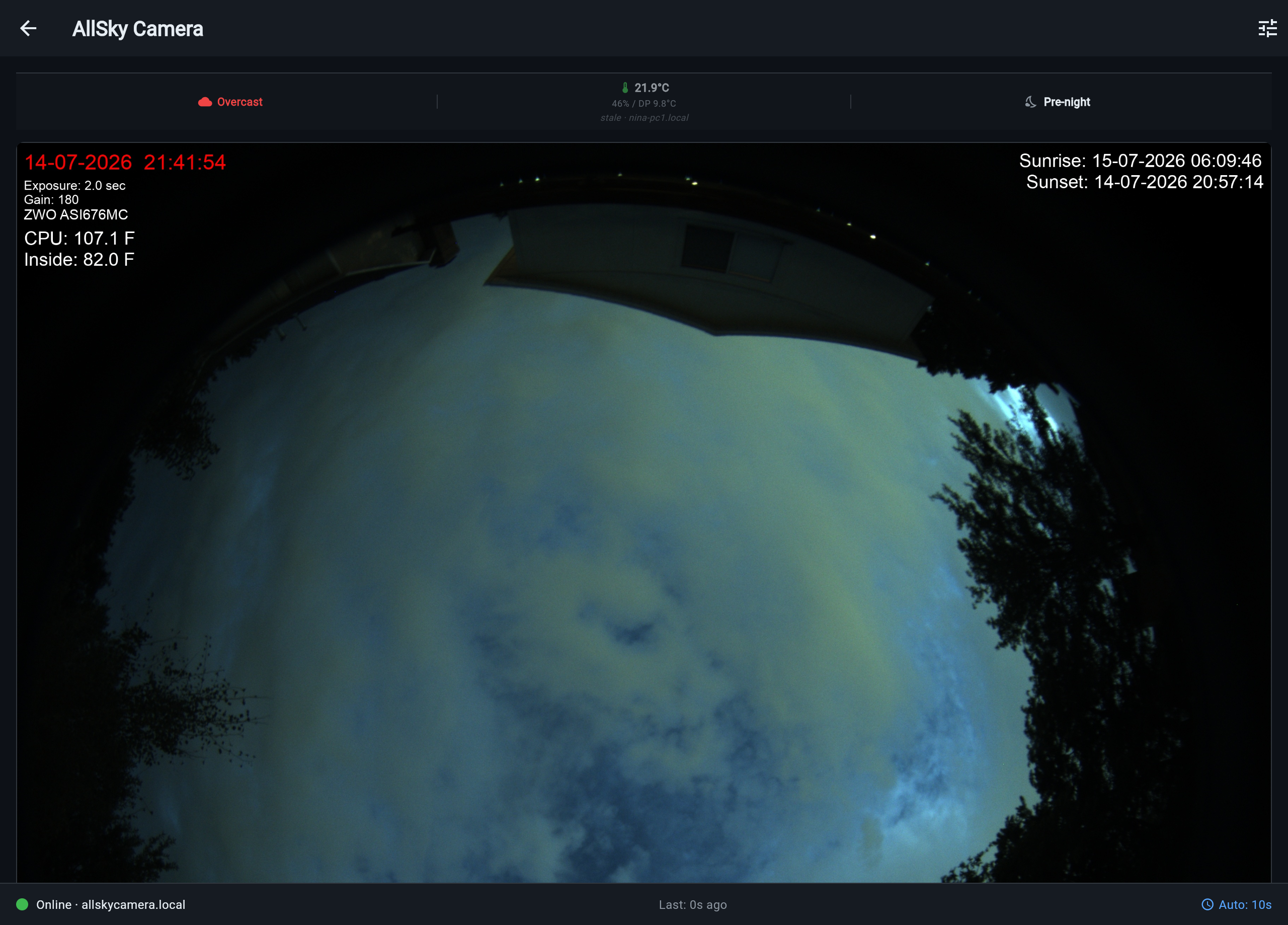
Cloud detection and the weather forecast are complementary: the forecast plans the hours ahead, the all-sky camera reports what is actually overhead right now.
Requirements
Section titled “Requirements”- An all-sky camera producing frames, with the ARIS companion service installed on the machine that runs it.
- The companion and your rigs on the same local network.
- Cloud detection works at night; the absolute sky-state verdict needs a clear-sky reference, which the companion builds from your own site’s clear nights.
The overlay and sky state appear on ARIS rig computers; NINA-based rigs do not consume all-sky data yet (see NINA Integration).